
Models & data boundaries
A sovereign AI assistant on Mac and iPhone: what stays local, and what does not
An honest map of JoeBro’s local Mac workspace, model-provider boundary, iPhone pairing requirements, and the limits of its documented setup.
JoeBro is a local-first AI workspace for your Mac, with an iPhone companion that talks to it directly. Bring your own models, and keep your chats, documents and memory on your machine.
v1.3.0 · macOS 26 or later on Apple Silicon · Free and open source (GPLv3)
Chat with any model, with streaming, extended thinking and a real agent mode. Documents open right beside the conversation, including real Word .doc and .docx files, edited in place. Deep Research reads many sources and writes a cited report.
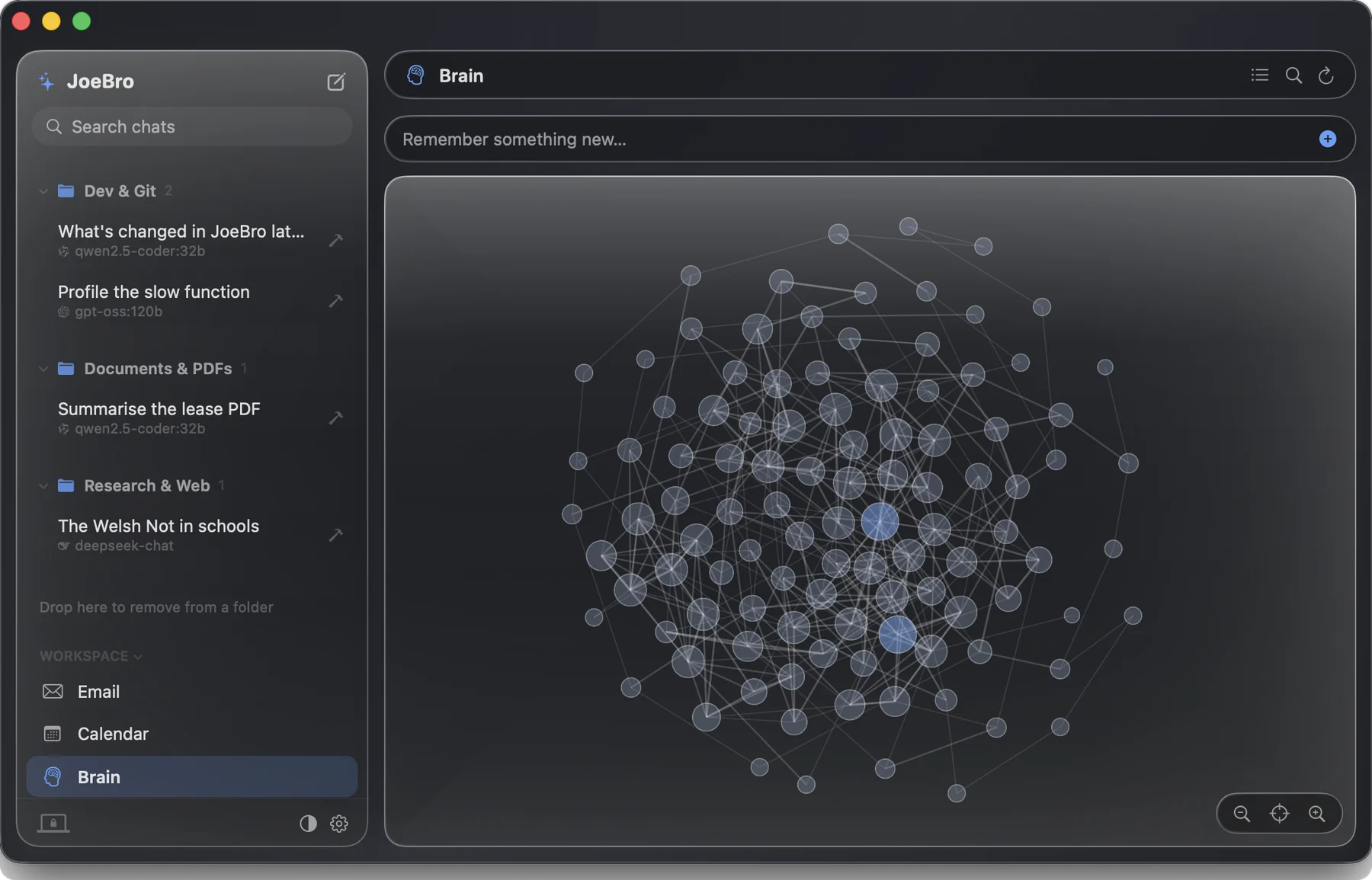
Brain is long-term memory filed on topic pages. Only what is relevant to the message at hand reaches the model. Add, edit, search or delete any memory, or explore it as a live brain map. Phone memory is plain Markdown you can open and edit.
Hand the agent any JSON endpoint as an API tool, add MCP servers over stdio, or drop in plugins. No MCP server is ever added for you, and the phone cannot add one either.
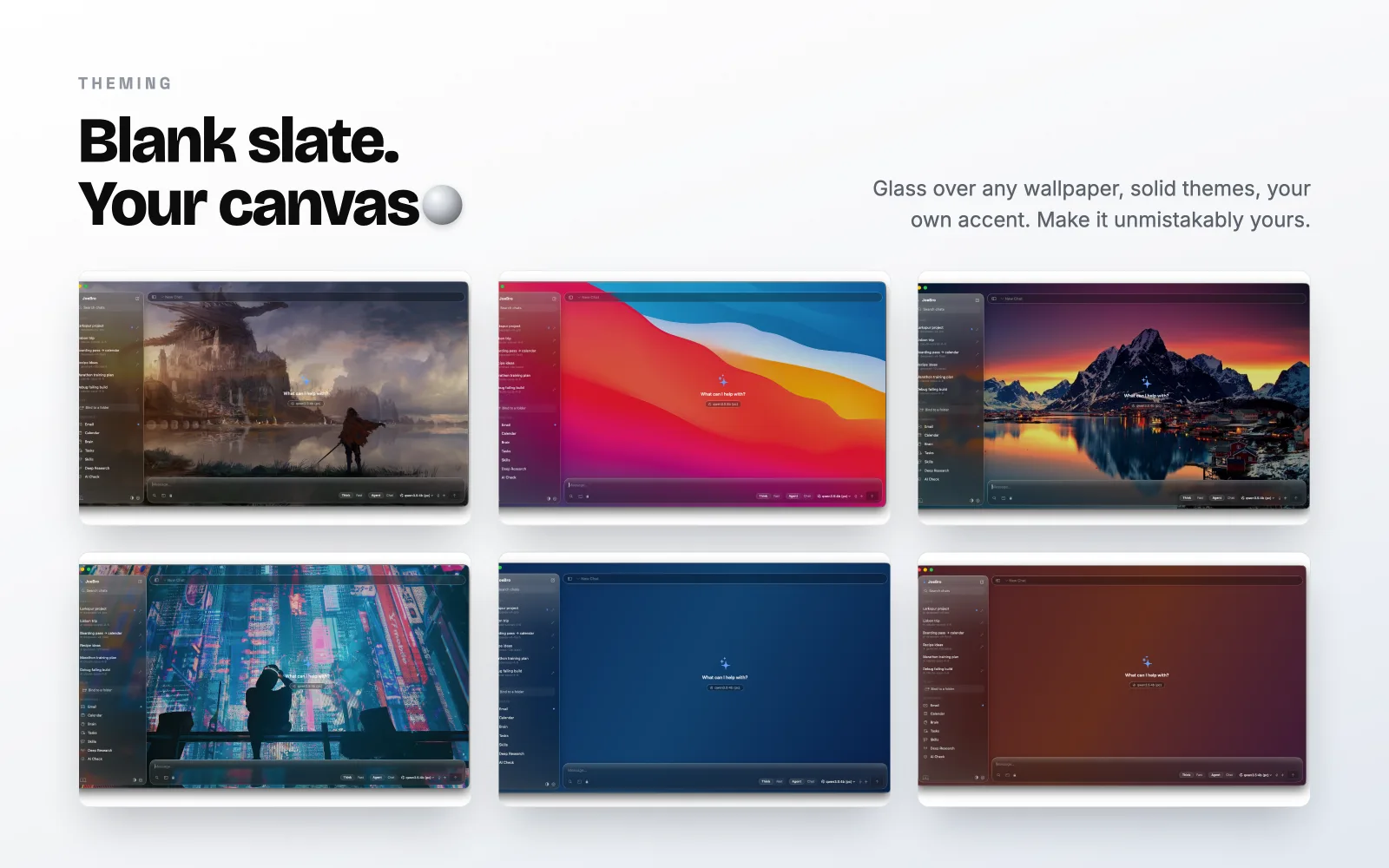
An adaptive glass interface over any wallpaper you choose, with built-in colour accents. Pick a swatch on the window: it re-themes the screenshot and this whole page.
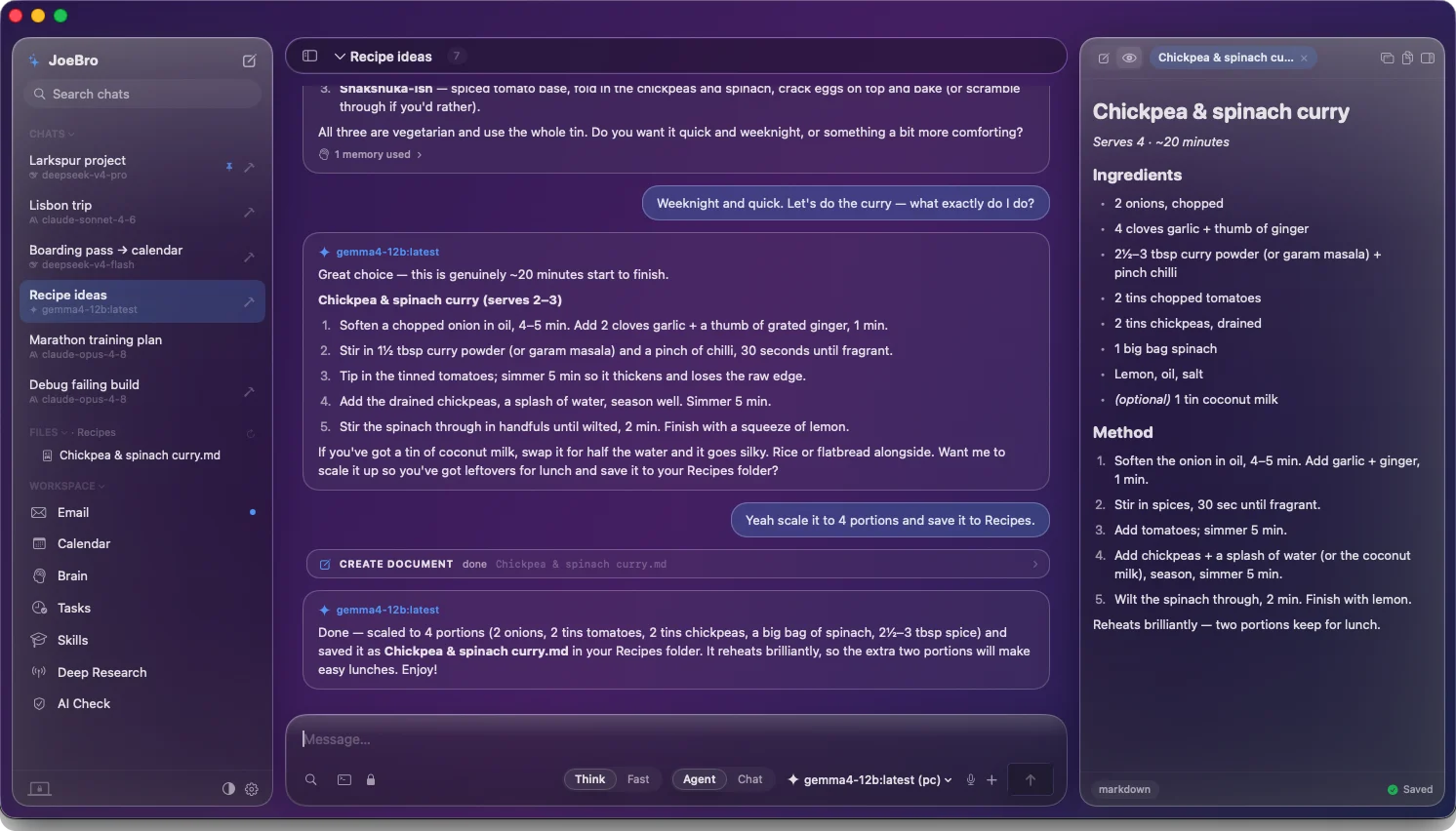
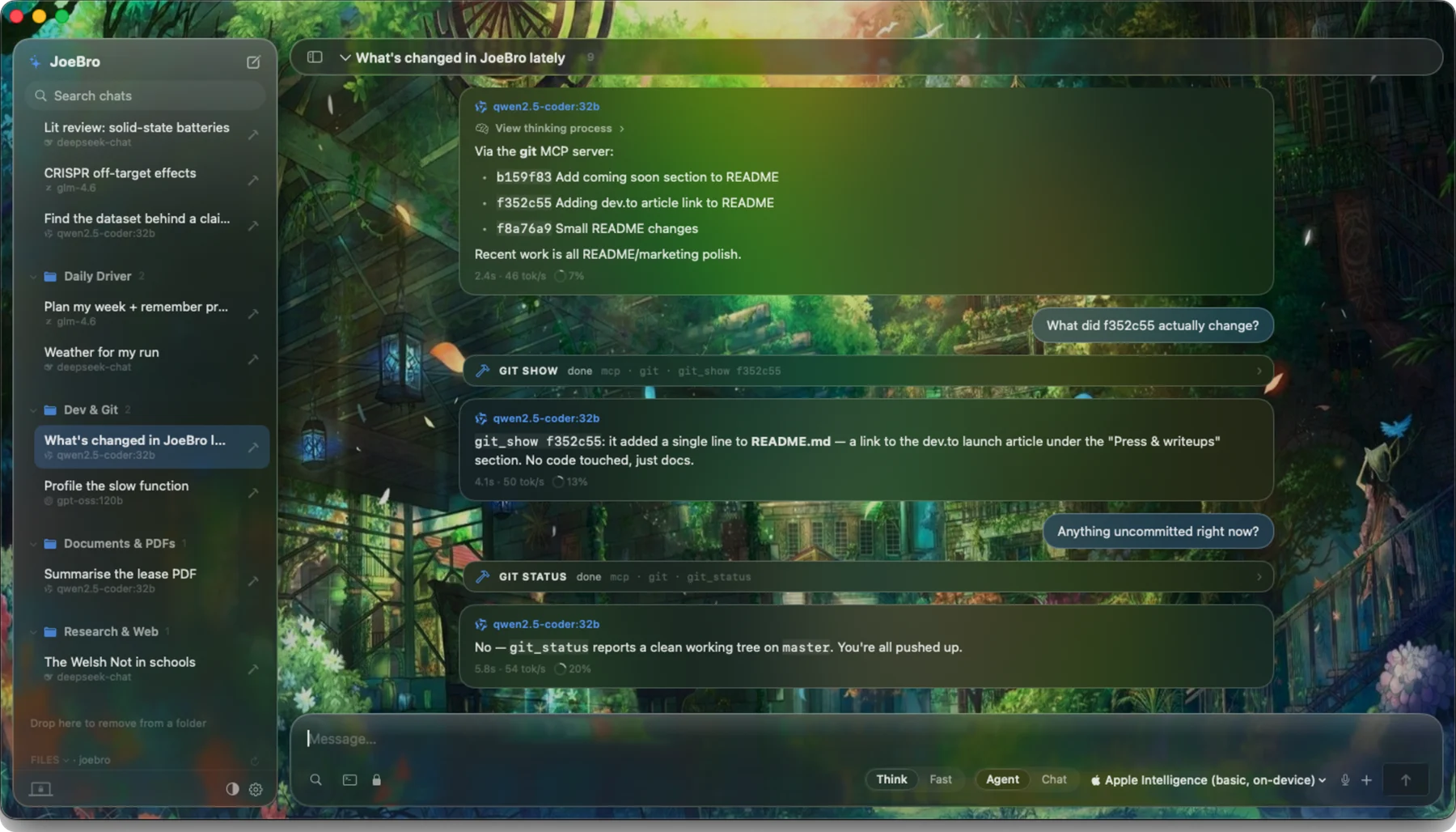
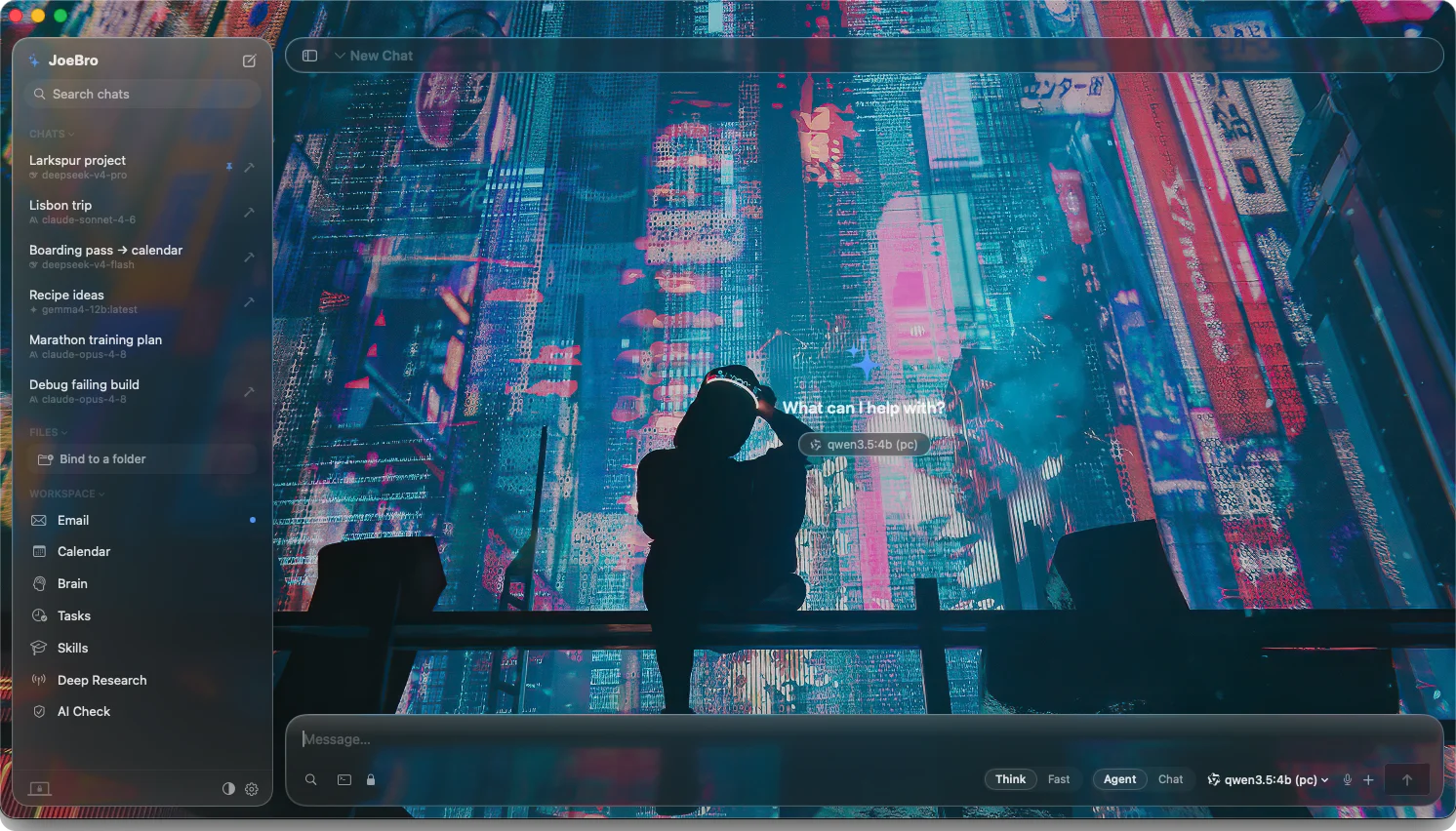
One chat that follows you, running on your own Mac. No cloud in the middle. Tasks run quietly in the background and only ping you when something changed. It is a source release: you build it yourself with Xcode.
It runs on your own Mac and pings you when something needs you.
Scan the QR code on your Mac and you are in. No account, no cloud.
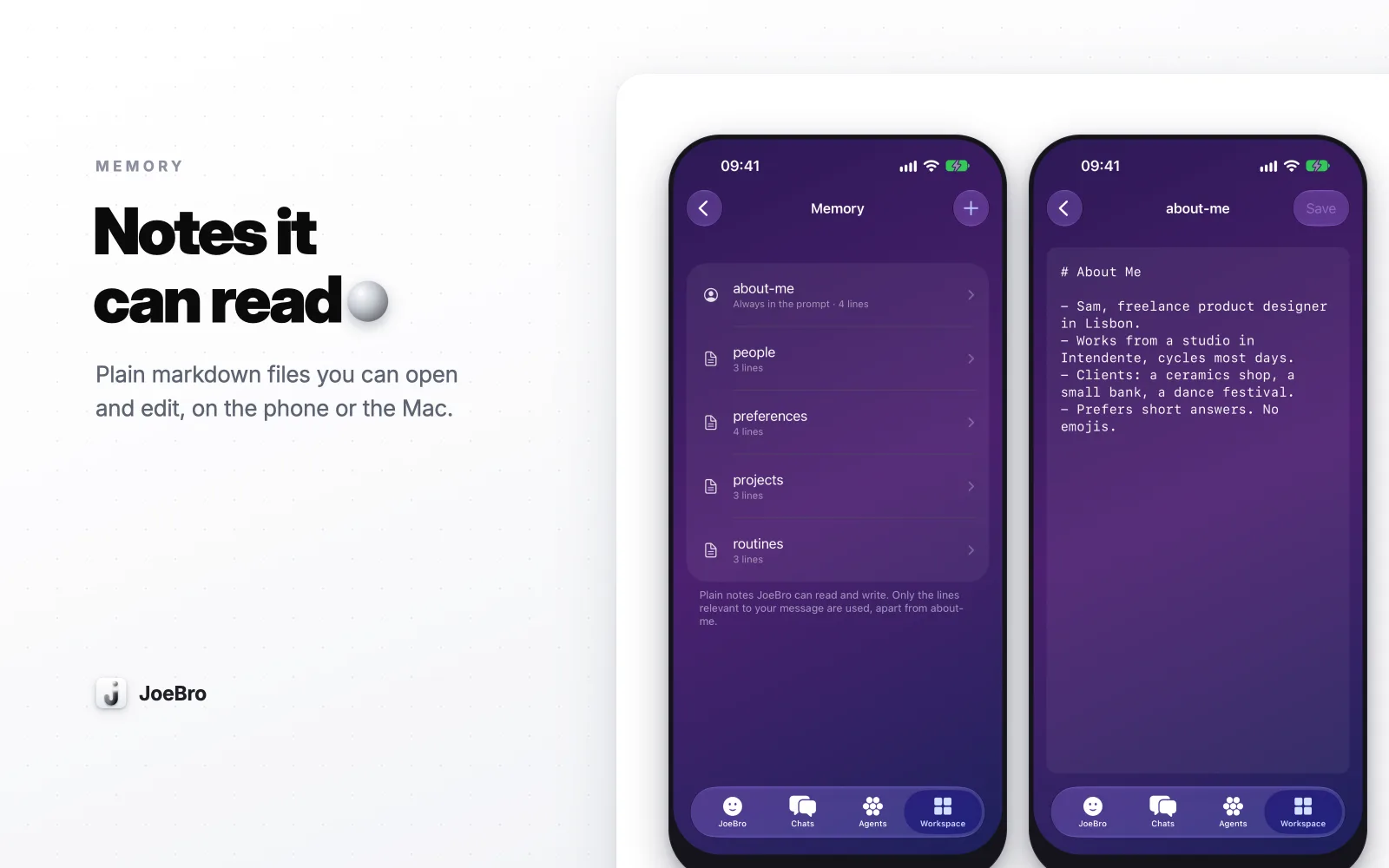
Plain Markdown files you can open and edit, on the phone or the Mac.
# about-me
- Freelance designer
- Prefers short answers
Every notice lands in one inbox. Select all and clear it in one go.
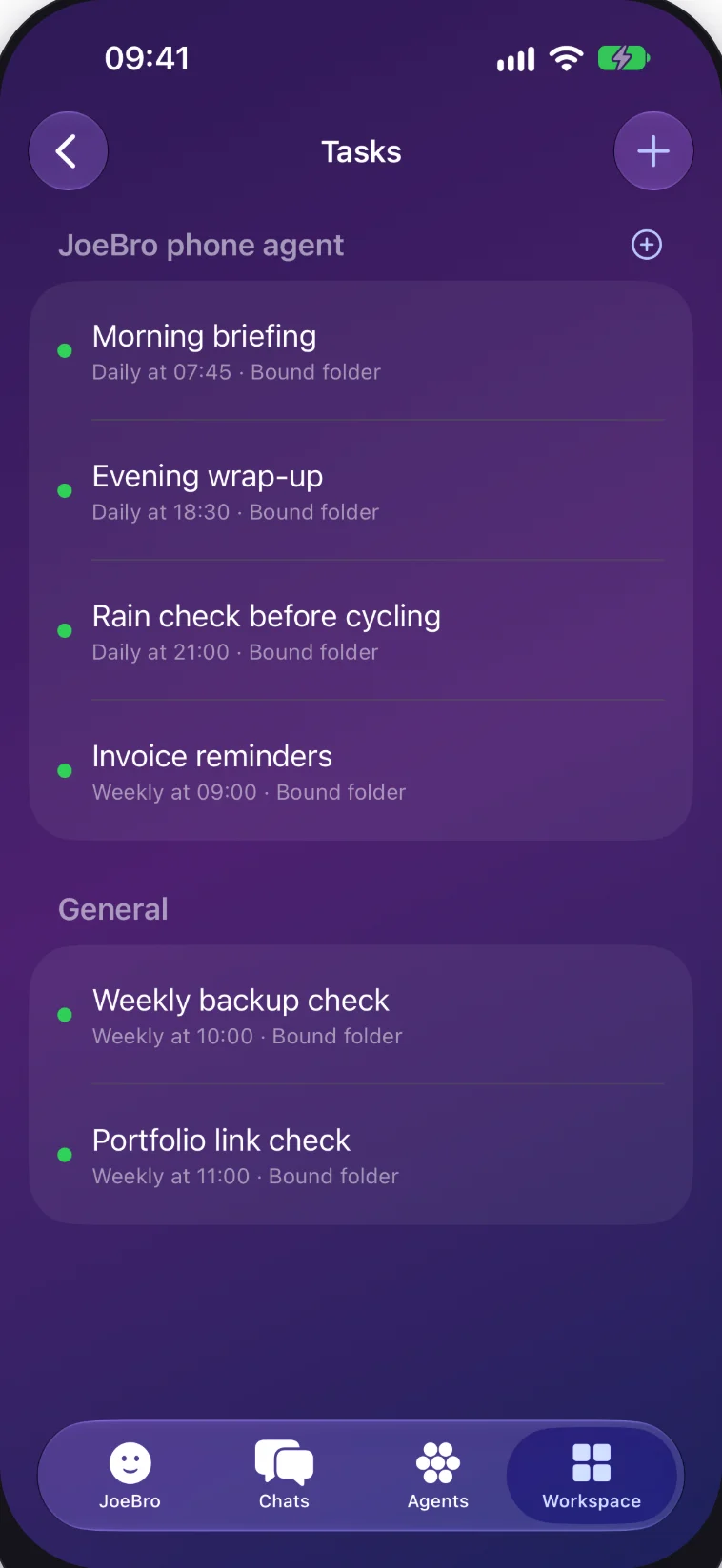
The backend ships inside the Mac app and starts with it. That is the documented setup. I run mine headless on a Raspberry Pi so it stays reachable without leaving a Mac awake; that is my personal arrangement, not a supported installer.
Book the Lisbon flights on my card 4929 1234 5678 9012, the airline password is hunter2-lisboa, and use my API key sk-proj-7Hf2kQa9Lx for the price check.
Book the Lisbon flights on my card 4929 1234 5678 9012[CARD NUMBER], the airline password is hunter2-lisboa[PASSWORD], and use my API key sk-proj-7Hf2kQa9Lx[API KEY] for the price check.
Illustrative example. Cloak Mode is on by default and swaps detected values for placeholders before any request leaves the backend, for every model endpoint, local ones included. Redaction is a guardrail, not a guarantee.
Chats, documents and memory live on your machine. API keys are stored locally.
Run local models with Ollama, or paste an API key. Prompts go to the endpoint you choose.
Detected keys, passwords, emails and account numbers are swapped for placeholders before a request leaves the backend.
Practical notes on where an assistant keeps its memory, what “local” does and does not mean, and how JoeBro works across Mac and iPhone.
An honest map of JoeBro’s local Mac workspace, model-provider boundary, iPhone pairing requirements, and the limits of its documented setup.
A practical privacy guide to deciding where JoeBro sends prompts, how BYO API keys work, and what local inference does and does not protect.
Understand JoeBro's default sensitive-value masking, its endpoint coverage, and why redaction is a useful guardrail rather than a privacy guarantee.
Using JoeBro with IMAP and calendar data while understanding local storage, permissions, and model-provider processing.
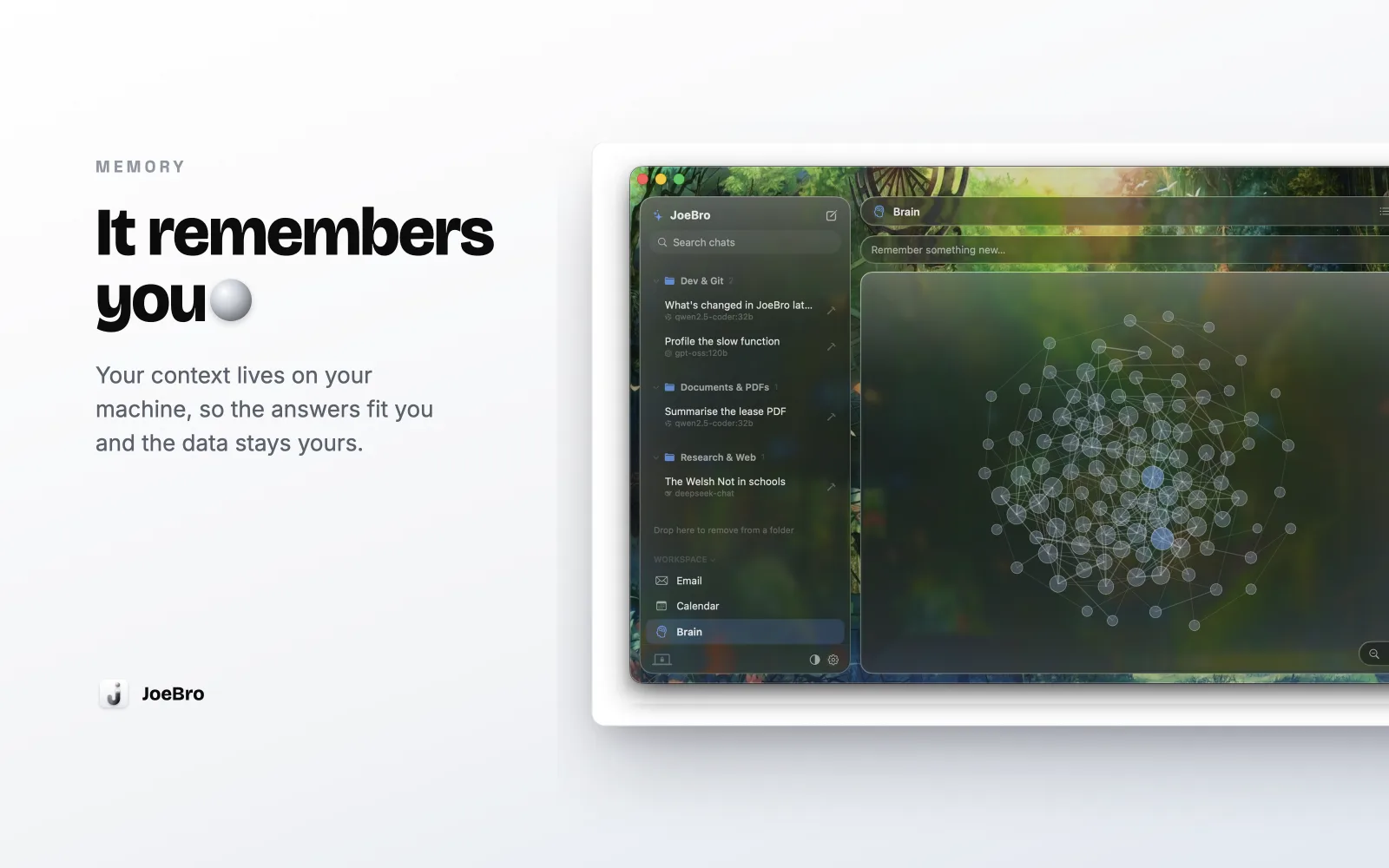
A practical look at JoeBro’s separate Mac and phone memory systems: where each lives, how relevant context is selected, and what remains under your control.
Where JoeBro keeps workspace data, what portability does and does not mean, and why backups deserve care.
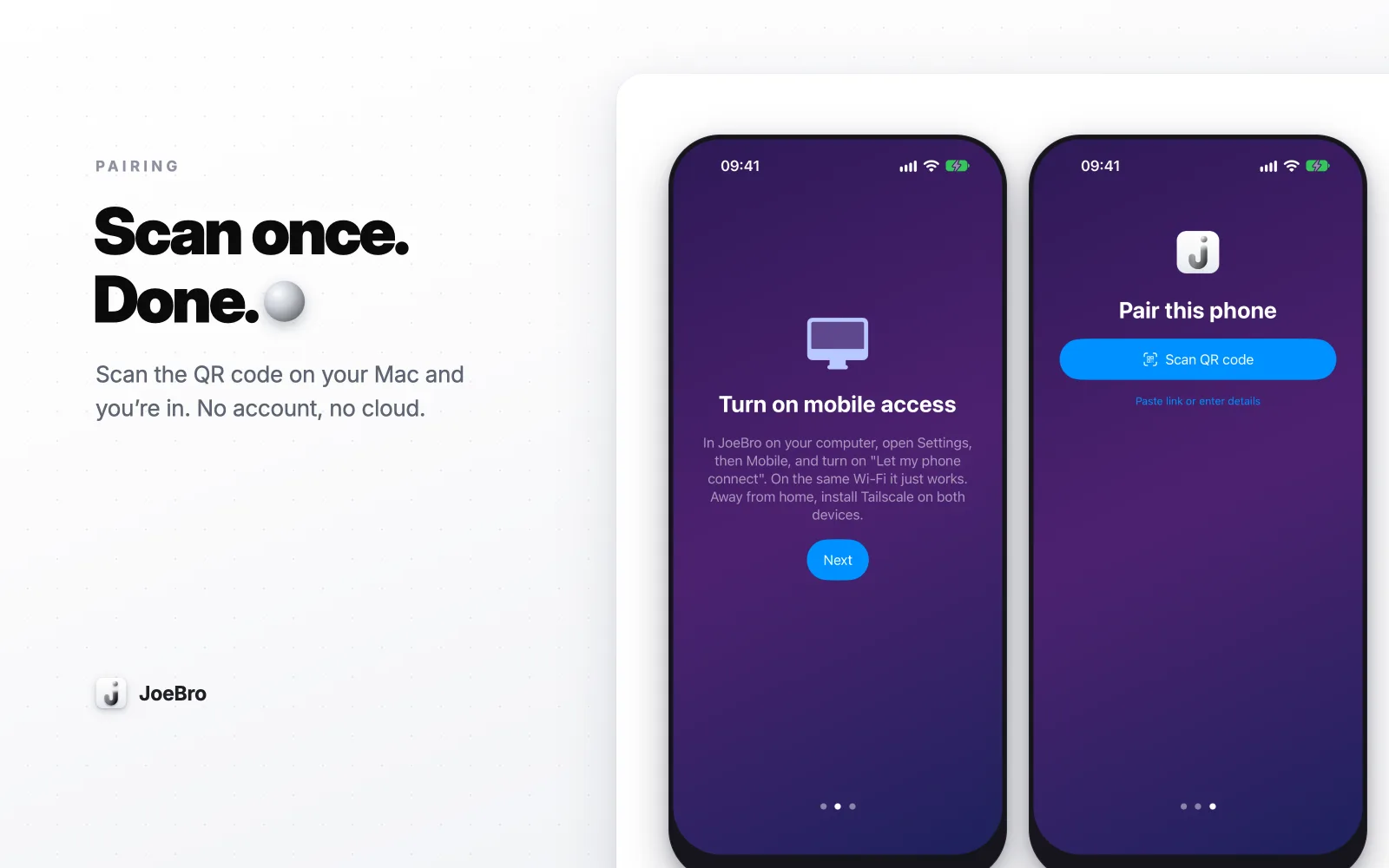
A guide to what the JoeBro iPhone pairing QR code does, where the token is kept, how to revoke access, and what the mobile agent cannot configure.
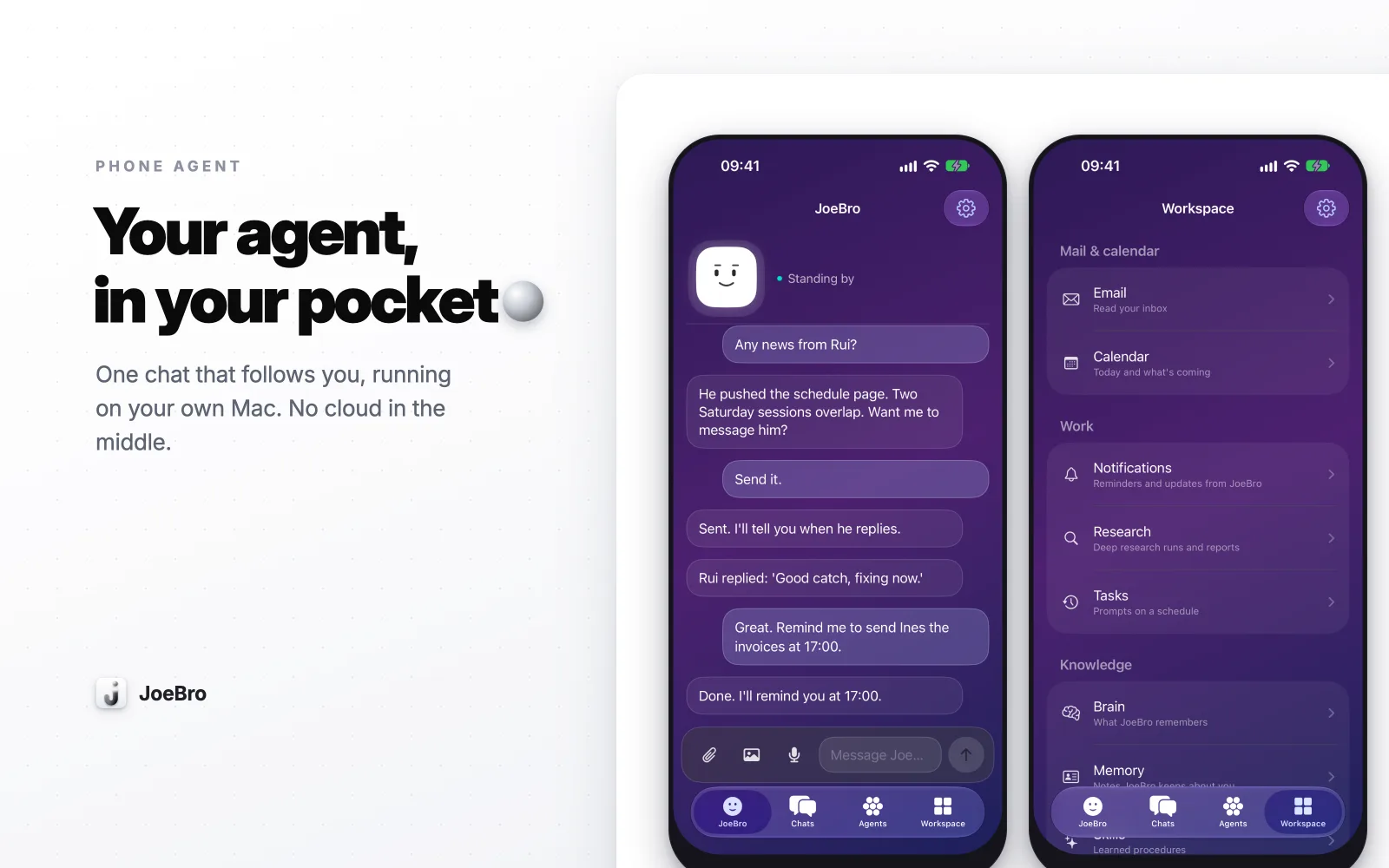
Compare JoeBro Mobile's documented Tailscale and Wi-Fi reachability options, including local-network permissions, token exposure, and the awake-host requirement.
What a source-only iPhone companion means in practice: iOS and Xcode needs, bundle identity, free Apple ID builds, and paid push notification setup.
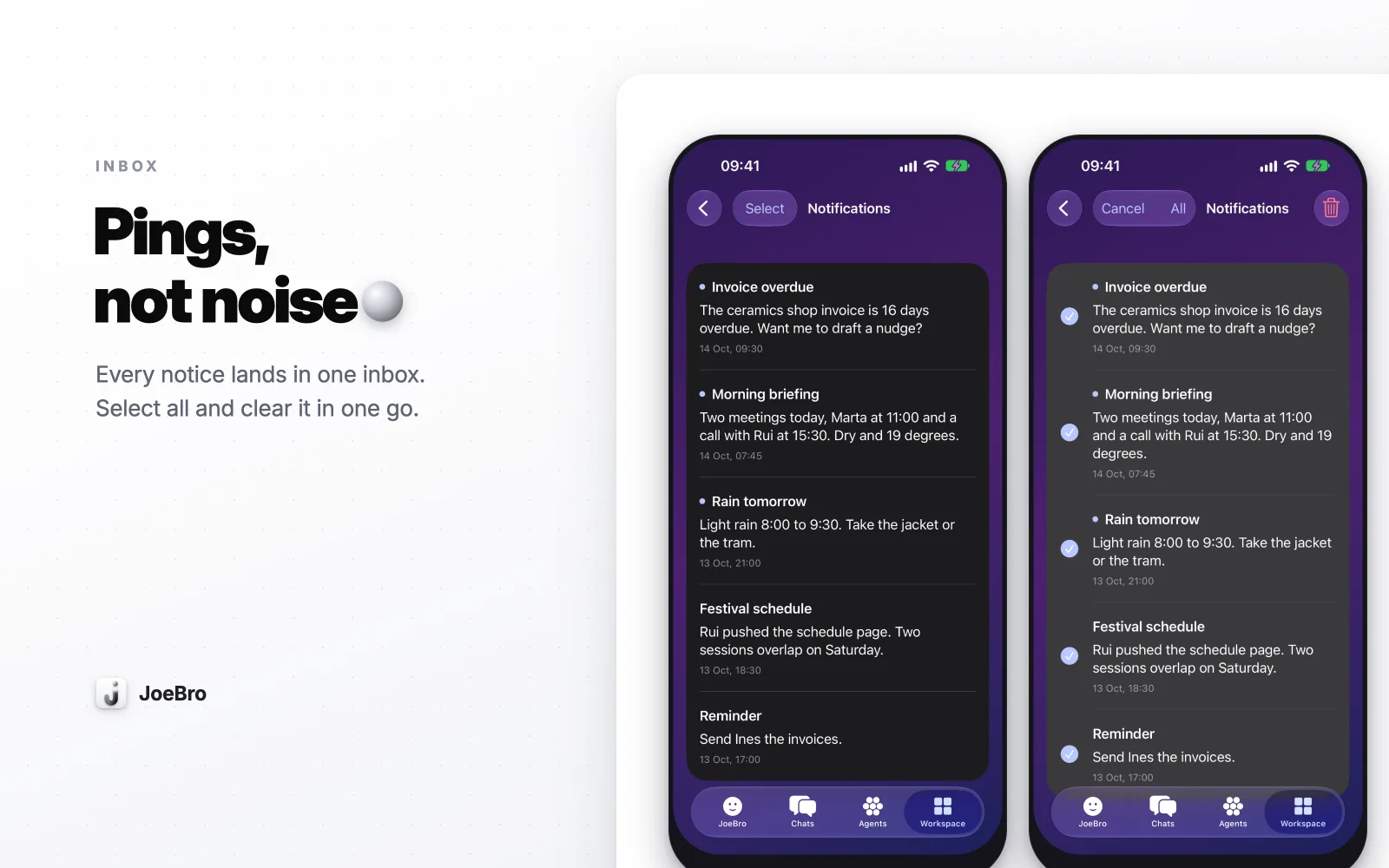
Learn when JoeBro's phone heartbeat calls a model, which caps and quiet hours apply, and why the feature is off by default.
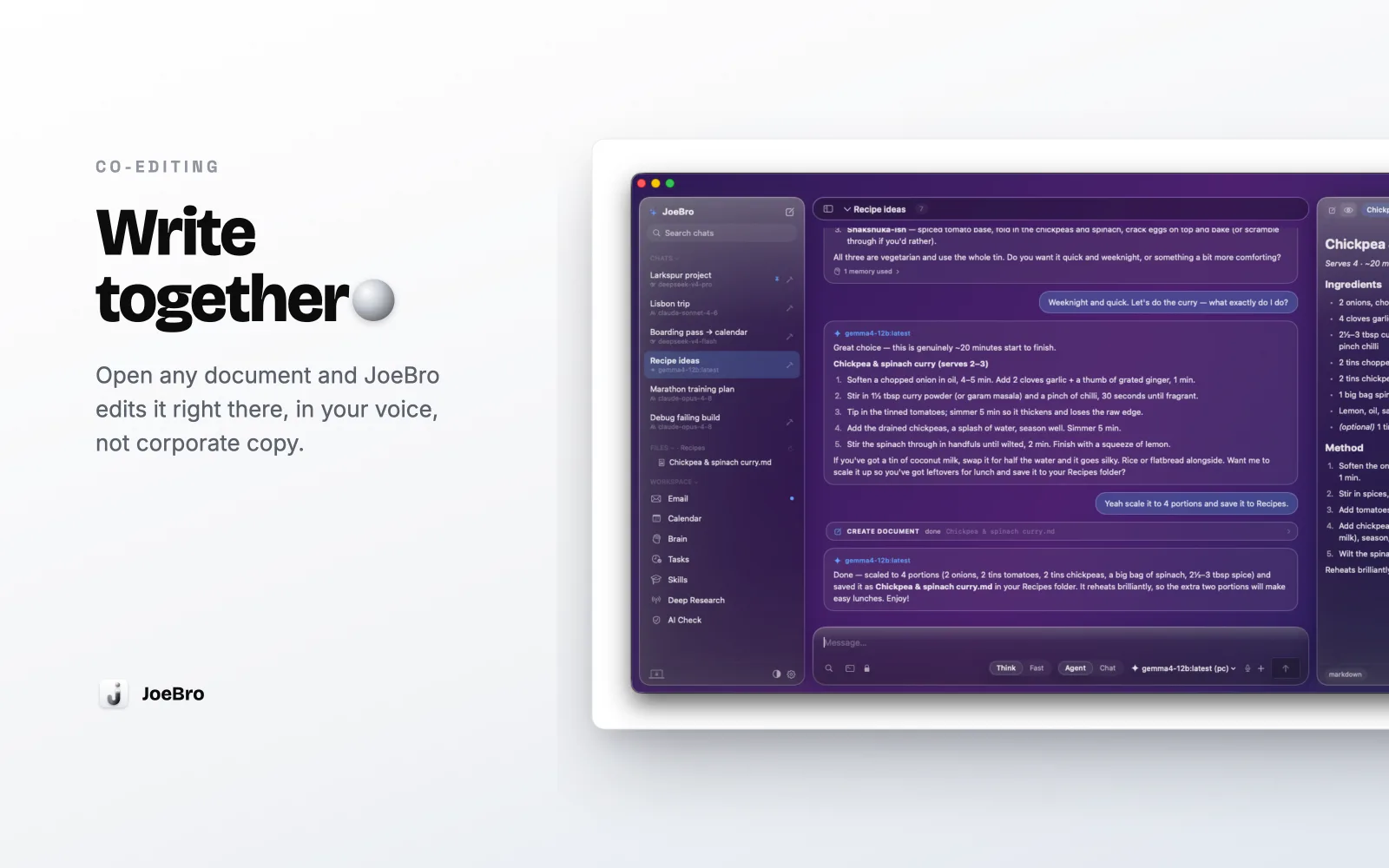
How JoeBro pairs a local Mac document editor with agent assistance, and what changes when you choose a hosted model.
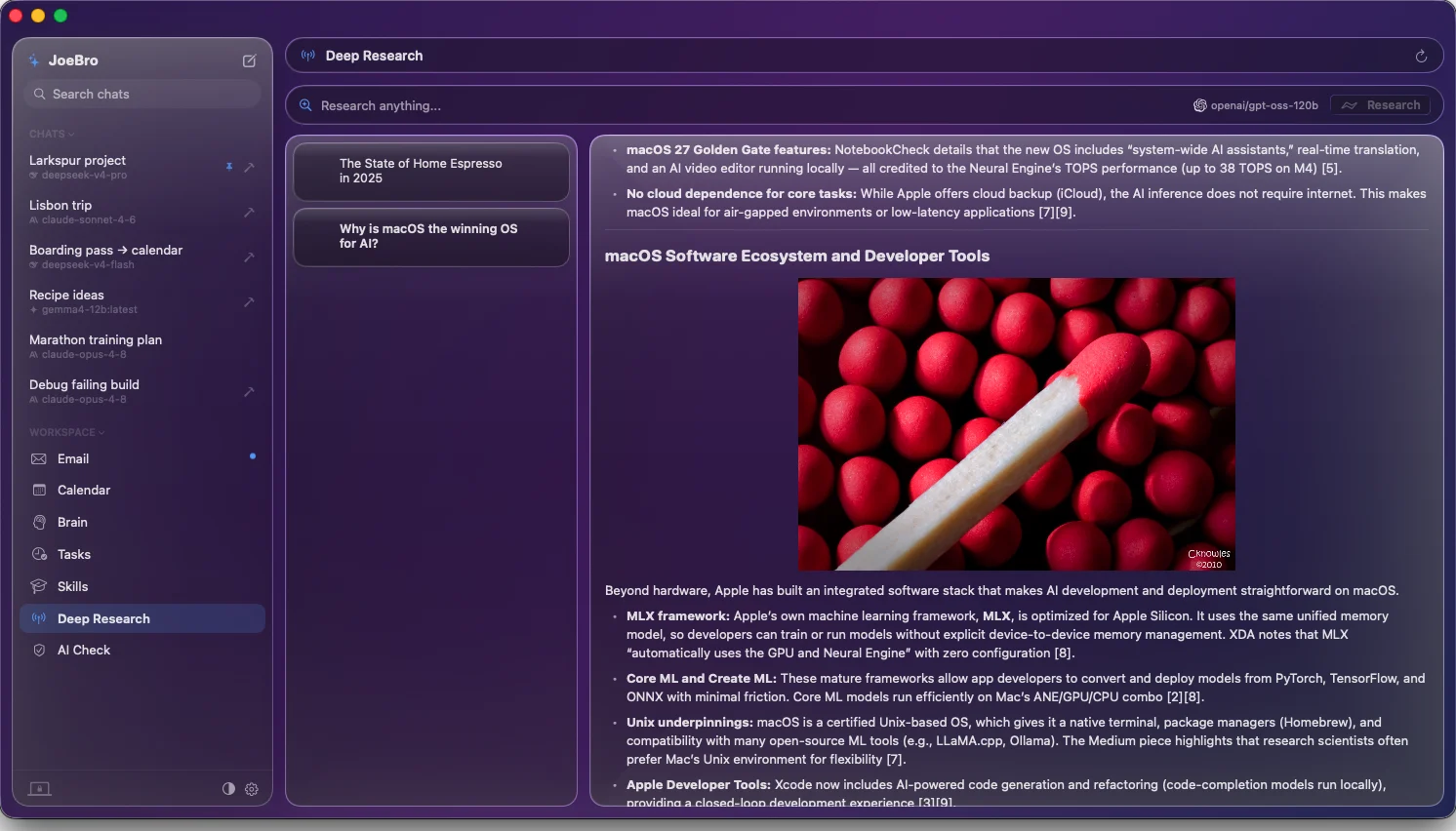
A look at JoeBro’s multi-source research workflow, its report tools, and the model and search privacy boundary.
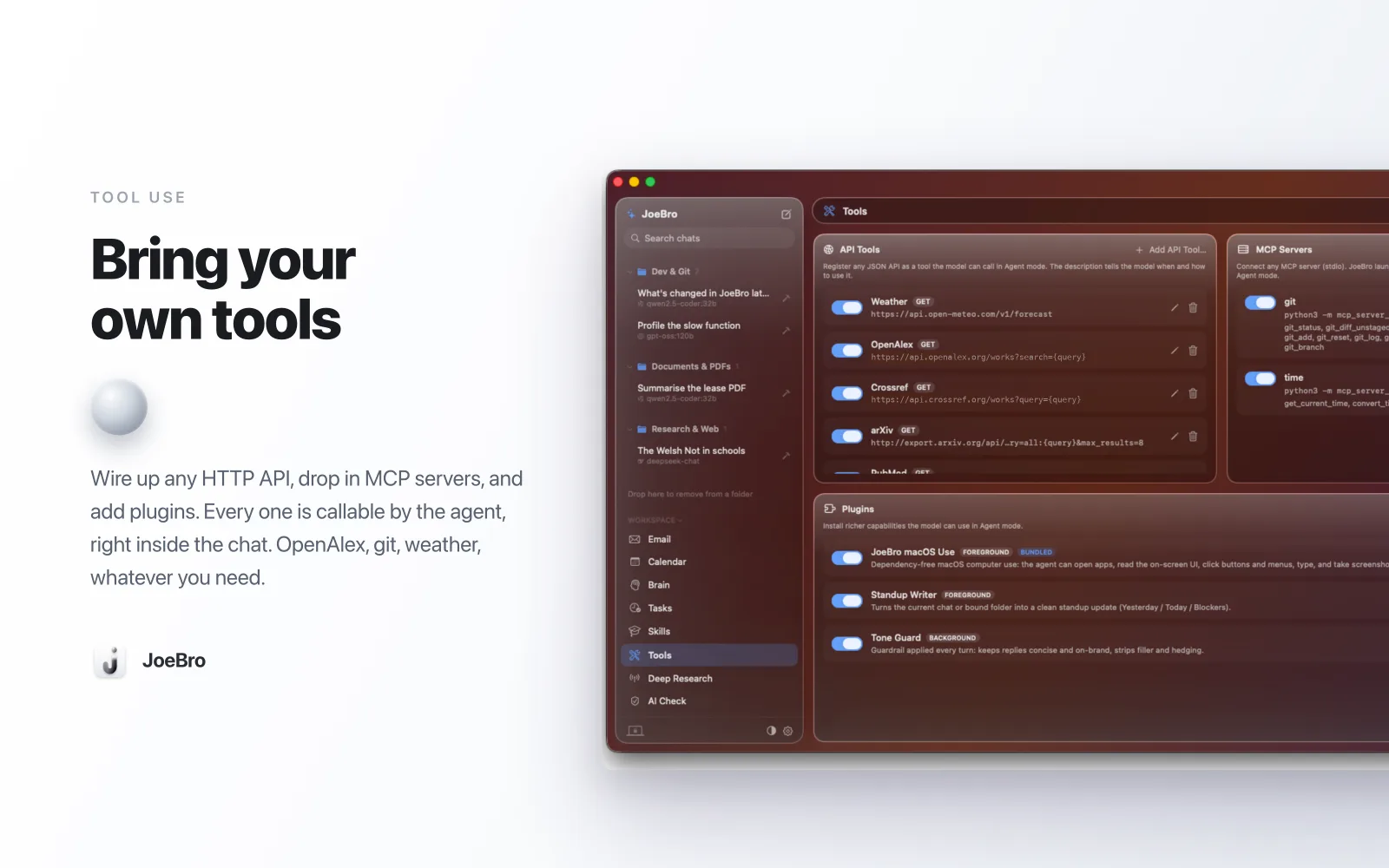
How JoeBro connects user-added MCP servers and why local tool access is part of the privacy decision.
A first-hand account of running JoeBro’s Python and SQLite backend headless on a Pi, with the limits clearly separated from its documented Mac install.
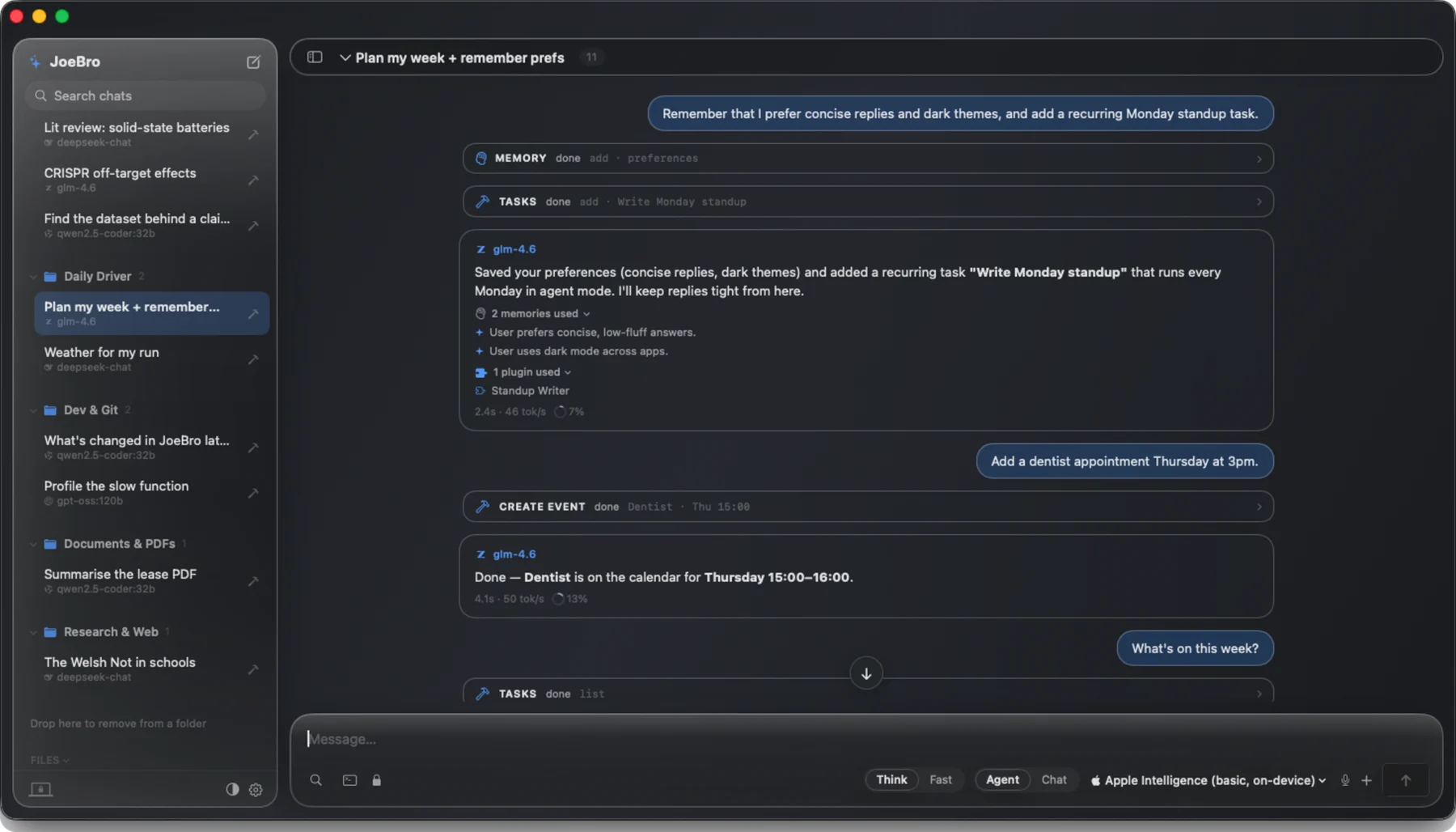
Why JoeBro combines a SwiftUI Mac interface with a bundled Python standard-library backend, and where the local design stops.